
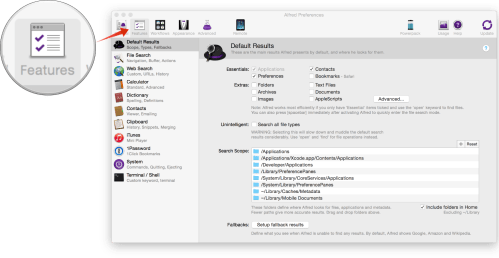
| 1. Select Features from the toolbar |
|
|
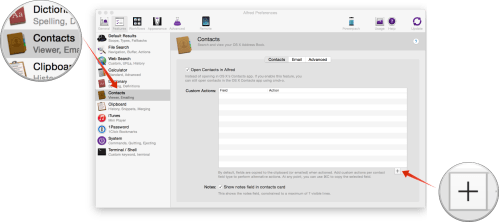
| 2. Select Contacts from the list of options |
|
3. Select the add button from the bottom right corner |
|
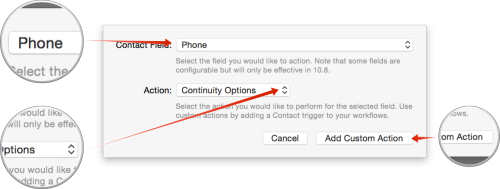
4. Select Phone from the list for Contact Field
5. Select Continuity Options from the list for Action |
|
6. Select Add Custom Action |
 danielmarshallblog.com